eSeal
Selecting the eSeal option in the mnue will yield the following view:
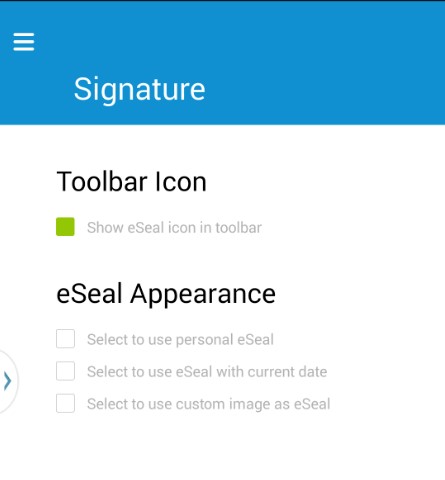
Toolbar Icon
By default, the Add eSeal stamp icon:  is activated. If users are not planning to
use the eSeal feature, this check box may be deselected.
is activated. If users are not planning to
use the eSeal feature, this check box may be deselected.
eSeal Appearance
The eSeal's appearance must be specified before it can be used in a document. Three choices exist:
- Personal
- Date
- Custom image
Personal eSeal
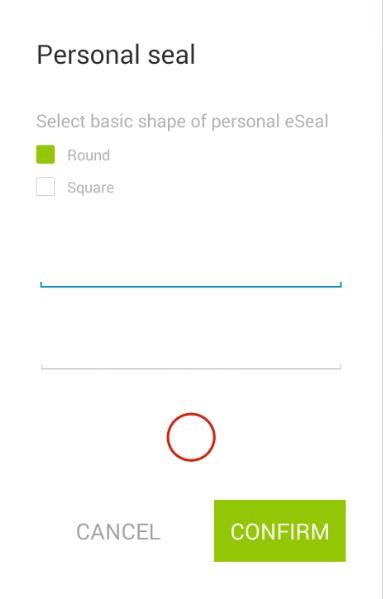
- Select between a circular or rectangular shape and specify the text to display in the eSeal.
- Writing direction is from top to bottom.


Date eSeal
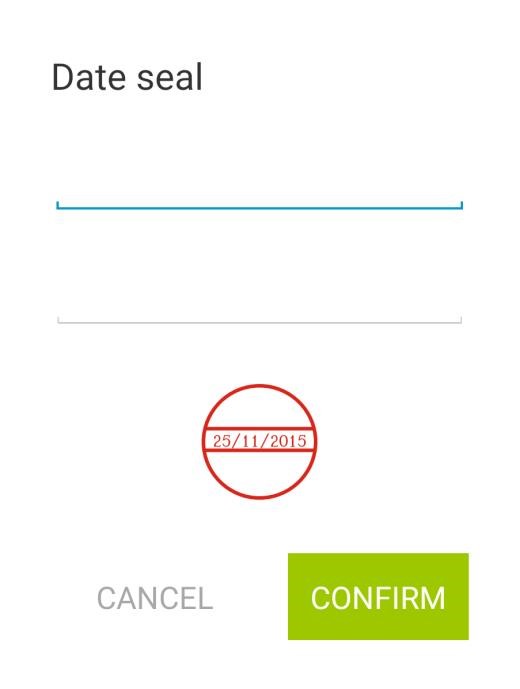
- Specify the text to show above and below the current date.
- Writing direction is from left to right.

Custom Image
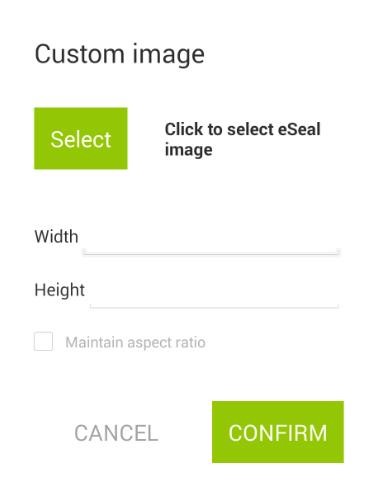
Select an image to be used as an eSeal.
After pressing Select, the file explorer can be used to select an image.